See your design system, and what it uses
Spec Studio renders your Panda tokens.json into colors, spacing, and type, and now tells you which tokens your code actually uses and lets you share the whole thing as a link.

You already have a design system written down. It's the tokens.json Panda emits: every color, space, font, radius, and
shadow, with values resolved. Describing the system was never the hard part. Seeing it was.
Spec Studio renders that file. Drop it in and every category paints. Colors become a swatch grid, spacing becomes a sorted scale, fonts become specimens, durations and easings become chips that animate. No install, no account, no config.
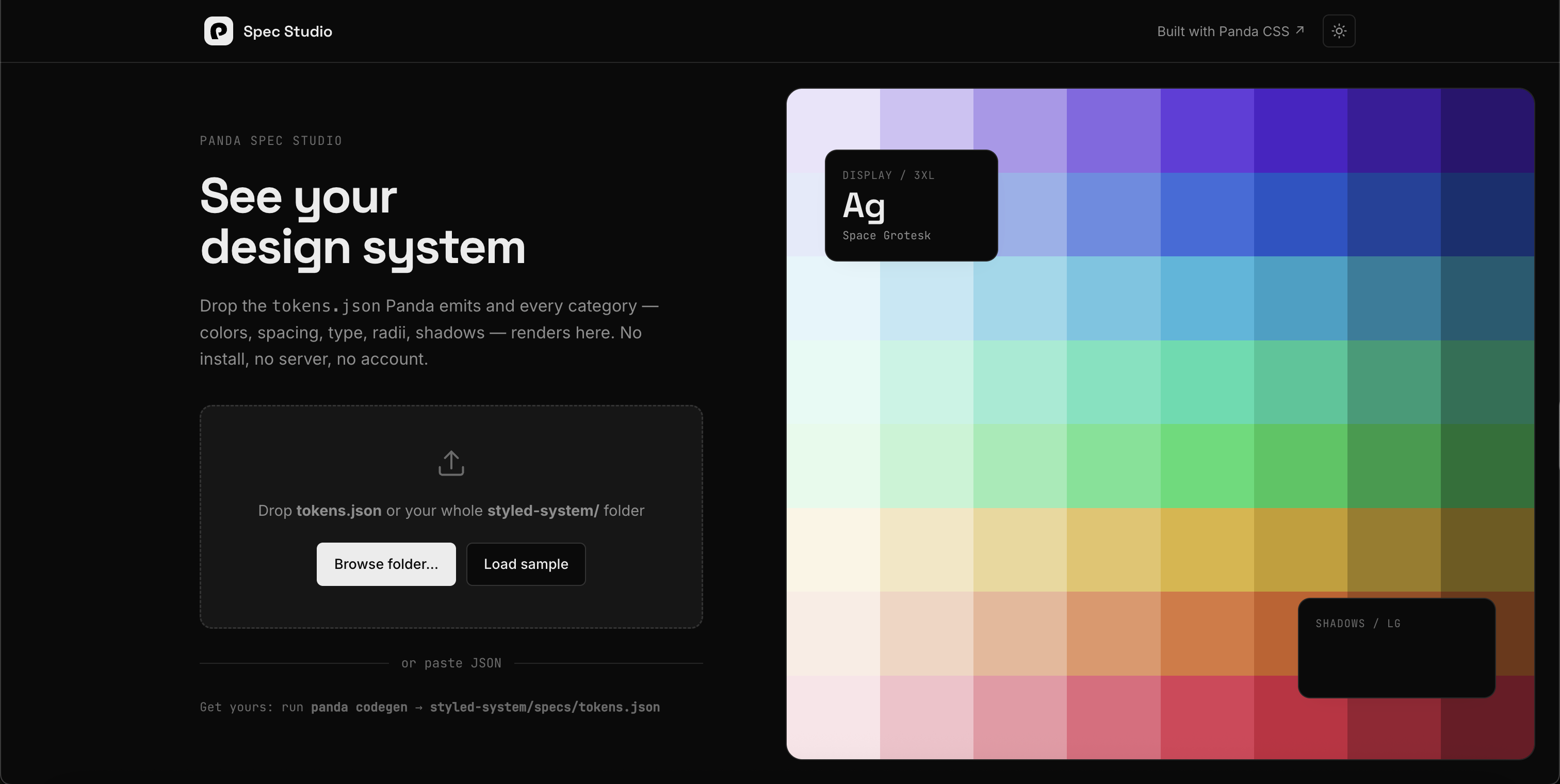
It's the same idea as the JSON Spec docs, where Panda hands you the data. Spec Studio is the viewer already built on top of it. Two things are new this release: it can tell you which tokens your code uses, and you can share any of it as a link.
Which tokens are you actually using?
Every design system collects tokens nobody references. A red.500 that got replaced, a spacing step added for one screen
and never touched again. You can't spot them in the config, because a used token and an unused one look identical there.
Analyze usage answers the question. Drop your source files, or the whole repo folder, and it reports per category: which tokens are used, which are unused, and which are hot. Read the unused list first. Those are the tokens you can delete.
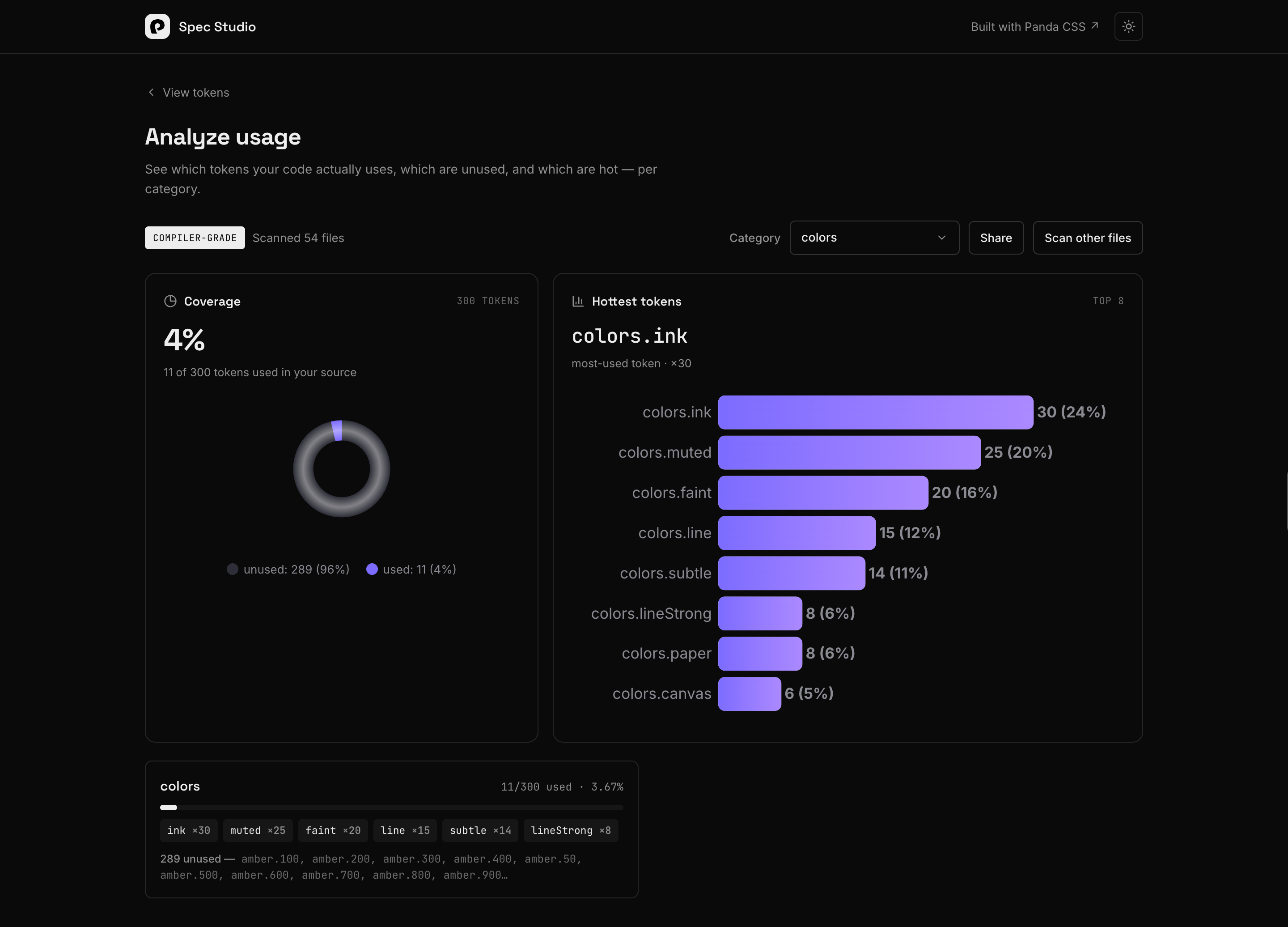
How it counts depends on what you drop:
- Include your
panda.config.tsand the real Panda compiler runs in your browser, through@pandacss/compiler-wasm. Same extraction and token resolution as a build, so a bare-numeric token likespacing.4is counted exactly. It's the compiler reading your code, not a guess at it. - Leave the config out and a name-match scan runs instead. It's accurate for named tokens like
red.500and approximate for numeric ones. A badge on the report tells you which tier you got.
The compiler running in the browser is the same Rust engine we shipped in Panda 2.0, compiled to WebAssembly. When your config is in the drop, the numbers come from an actual compile of your code on your own machine. Nothing is uploaded.
Share it as a link
A rendered system is easier to talk about than a config file. The Share button saves the tokens and opens a
read-only page at /s/<slug> that anyone can view. Share an analysis and the usage report goes with it, at /a/<slug>,
so whoever you send it to sees the same used and unused breakdown you did.
No accounts, no teams, no ownership. Make a spec, get a link, send it. It's the quickest way to put a design system in front of a teammate, a designer, or a review thread without asking anyone to clone a repo.
It's still your data
The hosted studio doesn't replace building your own viewer. The Studio docs still show you how in
about thirty lines: every category is { name, value }, so a color grid is one .map(). Spec Studio is just the version
you don't have to build.
Get your file with panda codegen:
styled-system/specs/tokens.json
Open the studio, drop it in, and hit Analyze. Nothing leaves your browser until you press Share.